2026 MAC
PREMIERE_
LUMETRI_
GPU_UNDERLOAD_
REMOTE_NODE.
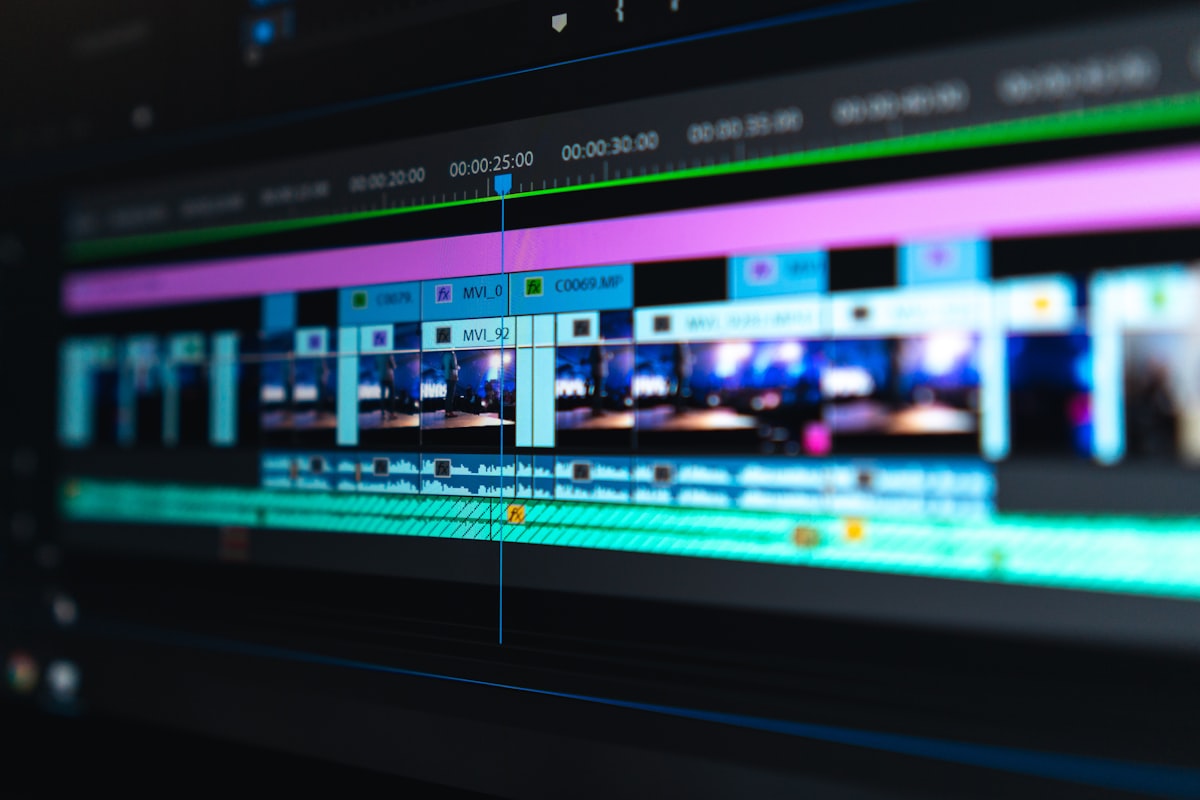
When you stack Lumetri grades, Warp Stabilizer, and Optical Flow in Adobe Premiere Pro on an Apple Silicon Mac, then run background exports and aggressive media cache writes at the same time, Activity Monitor showing 30–40% GPU does not mean the machine is idle. It usually means Mercury/Metal is underfed while CPU decode and disk IO carry the load. The real risks are unified memory peaks stolen by browsers and sync clients, proxy and sequence mismatches that trigger decode storms, and laptop thermal throttling that makes overnight ETA charts lie. This article delivers a pain breakdown, on-machine acceptance table, Premiere vs FCP/Resolve decision matrix, five-step runbook, deep case study, numeric gates, and FAQ, cross-linked to Final Cut Pro multicam and remote video nodes, DaVinci Resolve heavy timelines, and SSH vs VNC for remote Mac, so you can decide when to move proxy generation, heavy exports, and all-night queues to a remote Apple Silicon editing node with clean NVMe paths.
1. Pain breakdown: low GPU% is often underload, not headroom
1) Lumetri plus stabilizers do not guarantee GPU saturation. In 2026, Premiere on Apple Silicon still shows many reports of modest GPU utilization during heavy effect previews while CPU, media engines, and disk queues spike. Using GPU% alone to justify hardware purchases misroutes budget. 2) Optical Flow and frame blending create memory and compute double peaks. Slow-motion and interpolation effects build long-tail resident set growth; pairing them with background export is the fastest path to swap stutter. 3) Media cache and preview file topology. Caches on sync roots, SMB home directories, or nearly full system volumes look like “Premiere is slow on Mac” when the failure mode is random write contention. 4) Sequence frame rate and proxy inconsistency. Long-GOP H.264/HEVC mixed with ProRes on one timeline produces intermittent scrub hitches—similar to FCP multicam pain, but Premiere’s render and replace semantics need their own SOP. 5) Role collision with AE, FCP, and Resolve on one box. Ad post often roughs in Premiere and finishes in AE or Resolve; without role separation, unified memory gets punched through on every app switch.
Secondary traps include accidental Software Only Mercury mode after updates, disabled Metal in project settings, and third-party OpenFX that bypass the GPU path you think you measure. Teams underestimate preview resolution toggles: jumping between Full and Quarter with active Lumetri forces cache rewrites that show as mysterious disk spikes. Live Dynamic Link comps behave like hidden IO multipliers—fine for short spots, expensive on documentary timelines with hundreds of cuts. Document expected GPU underload for CPU-bound stabilizer passes so reviewers do not chase the wrong metric.
Editorial leads should treat Premiere on Mac as a systems problem: decode path, cache placement, queue policy, and thermal envelope—not a single slider labeled GPU acceleration. When buyers ask for more GPU, ask which ten-second clip failed and whether proxies were complete. That question alone eliminates half of false escalations. Capture Mercury status in every ticket so postmortems do not confuse disabled Metal with missing hardware.
2. On-machine acceptance table: GPU%, memory peaks, 10-second baseline
| Observation | How to capture | Fail signal (example gate) |
|---|---|---|
| GPU utilization on heaviest Lumetri stack | Activity Monitor + Premiere performance panel | Sustained <35% with dropped preview frames → fix proxy/IO before “buy a GPU” talk |
| Unified memory peak | Peak % in 30s window before export | >80% of available → architecture review |
| 10-second preview baseline | Heaviest 10s with Lumetri + stabilizer, count drops | >8 dropped frames → block overnight queue |
| Media cache growth | Directory delta in 30 min session | >18GB → cache hygiene ticket |
| Thermal throttle | 30 min continuous export, frequency dips | Dense throttle events → no stacked local queues |
Publish these numbers in the ticket, not adjectives. A producer should compare this week’s M4 Pro laptop against last month’s M2 Max remote node without debating feel. When GPU% stays low but dropped frames improve after cache relocation, you have proof the bottleneck was path topology, not silicon generation. Screenshot Premiere’s performance readout alongside Activity Monitor so postmortems survive staff turnover.
For agency retainers, attach this table to change orders. Clients increasingly accept numeric gates more readily than subjective sign-offs. If a clip passes locally but fails on the remote host, diff the version triple and cache roots before blaming network speed. Include disk queue depth if available—on Apple Silicon, storage contention often precedes memory pressure in Premiere traces.
3. Premiere vs FCP vs Resolve: role split on the same silicon
| Scenario | Premiere strength | Signal to migrate to FCP/Resolve |
|---|---|---|
| Ad rough cut + AE Dynamic Link | Ecosystem and team habit | Preview still fails after IO/proxy hygiene |
| Multicam event fast turn | Doable with strict proxy SOP | Angle switching drops frames → FCP multicam baseline article |
| Heavy grade + temporal NR delivery | Lumetri sufficient for simple looks | Node graph / NR → Resolve checklist article |
| Overnight H.264/HEVC batch | Mature queue UI | Laptop thermal throttle → remote export host |
The matrix is not brand warfare. It maps search intent to executable ownership: what must stay in Premiere with numeric gates, and what should inherit existing runbooks elsewhere. If your shop standardized Resolve delivery, link NR policy there—keep Premiere gates focused on decode, cache, and export queue integrity. FCP multicam interaction baselines belong in the FCP article; do not duplicate angle-switch thresholds here.
Teams running hybrid pipelines should write a one-page routing diagram: Premiere for assembly and client comments, Resolve for grade and NR, FCP only when multicam speed wins on a given show format. The diagram prevents tool-of-the-day churn when a producer panics after one bad preview. Revisit the diagram quarterly—plugin and Metal behavior shifts with Adobe minor releases.
4. Five-step runbook: from “can preview” to “can ship on date”
Step 1 Lock the version triple
Record exact Premiere Pro build, macOS minor, and critical third-party plugin digest. Any upgrade invalidates the 10-second preview baseline until rerun.
Step 2 Unify proxy and sequence settings
Force edit-friendly proxies (ProRes Proxy, CineForm) for long-GOP sources. Match sequence frame rate to camera. Ban rough on proxies with delivery-eve native swap without a transcode-complete gate.
Step 3 Media cache and preview path audit
Place caches on a dedicated local NVMe partition. Ban sync-folder roots. Set growth alerts. Validate external drives with sustained writes, not box peak MB/s marketing.
Step 4 Mercury/Metal and renderer alignment
Confirm Metal acceleration under Project Settings → General. Document CPU-bound effects so reviewers do not misread low GPU% as misconfiguration.
Step 5 Export queue and output probes
Enable minimum file size and duration probes. Cap retries at three. Freeze queue and preserve log slices on failure.
5. When to split to a remote Mac editing node
Route work off the laptop when: ① the 10-second preview baseline fails for two consecutive weeks after IO/proxy remediation; ② overnight export must run parallel to daytime fine cut; ③ clients require reproducible performance curves and version locks on a second clean-path machine; ④ the team already operates FCP/Resolve remote nodes and wants Premiere queues role-separated. On the remote host, regenerate proxies and batch exports on local NVMe; keep the laptop for review and last-mile Lumetri. Do not grade native RAW live across high-latency WAN—use batch return paths from the SSH/VNC article.
Contractually specify storage class, egress policy, and cache purge between jobs. A remote node without purge discipline recreates sync-folder failure on a bigger disk. Specify who may use GUI remote desktop versus who may only rsync masters out—role separation reduces accidental cache deletion and satisfies GDPR-style client boundaries.
6. Case study: “GPU 35%, Lumetri drops frames instantly”
A short-form ad team on an M4 Pro MacBook Pro cut a 4K H.264 and ProRes mix, saw GPU hover at 30–40%, and lost preview as soon as Lumetri plus Warp Stabilizer stacked—postmortem found media cache on a team sync root and sequences still linked to unfinished long-GOP originals.
They moved media cache and preview files to a local NVMe partition, standardized ProRes Proxy for long-GOP, and locked Premiere 24.x with a macOS minor for 10-second baselines. GPU% remained modest, but dropped frames and export duration variance collapsed—proving that on Premiere for Mac, IO and decode paths often beat buying another GPU. Peak season they moved proxy storms and overnight H.264 batches to a MACGPU remote Mac mini node; laptops kept client review and final Lumetri polish. Delivery disputes fell because numbers replaced vibes. The pattern mirrors FCP render directories on sync volumes: fix paths before renting nodes or switching NLEs.
By 2026, buyers ask for auditable preview curves and version locks, not we installed the latest Premiere. Producers should embed reference renders and gate numbers in delivery terms. Premiere on Mac works for light rough cuts with sane proxies. When pain clusters around Lumetri/stabilizer preview, GPU underload misreads, unified memory peaks, and overnight queue contention, role separation plus a remote Apple Silicon reference host beats stacking RAM on one laptop.
Windows and NVIDIA boxes can win synthetic CUDA benchmarks, yet shops stay on Mac for client monitor chains, ProRes legality, and fleet consistency. If the bottleneck is cache topology, switching OS without rewriting SOP buys nothing. If the bottleneck is laptop thermals, a remote Mac node fixes the envelope without a platform war in the edit bay. MACGPU remote Macs work as a golden second environment—copy this runbook, reproduce curves, settle arguments with data.
Industry trend: brands want repeatable acceptance packets—version triple, ten-second baseline CSV, cache path screenshot, and export probe logs—bundled with the master. Teams that institutionalize this packet charge premium retainers because rework from mystery slowdowns disappears. The packet travels with the project to the remote node unchanged; only the hostname changes.
7. Mercury, Media Engine, and why averages lie
Apple Silicon exposes hardware decode and encode blocks that do not always appear as sustained GPU shader utilization. Capture Media Engine pressure alongside GPU graphs when triaging Lumetri stutter. A ten-minute average hides sub-second stalls that still ruin client review. Instrument the heaviest stacks with stabilizers, retimes, and nested sequences because they amplify random access. When you move work to a remote Mac, repeat the same instrumentation so you compare cooled desktop-class airflow to laptop traces honestly.
Document which proxy tier is active per clip and forbid silent relinks that swap camera originals without updating the baseline ticket. That discipline prevents phantom regressions after archive restores. If you need a second machine purely to preserve interactive responsiveness while a queue burns overnight, renting a MACGPU Apple Silicon node provides continuity without capital purchase before the pipeline is proven.
8. Numeric gates for change tickets and delivery attachments
① Ten-second preview window dropped frames >8 blocks overnight export queues. ② More than three export retries freezes the queue. ③ Media cache directory growth >18GB in thirty minutes triggers hygiene. ④ Peak memory >80% of available unified memory triggers remote split review. ⑤ Heavy Lumetri GPU sustained <35% with IO remediated and frames still drop → mandatory same-clip FCP/Resolve comparison under the same version triple before NLE migration.
Before any hardware committee meeting, rerun the ten-second baseline on battery and on wall power. Premiere thermal behavior on MacBook Pro differs materially between those states, and buyers confuse the two traces. Log battery percentage and power adapter status in the ticket header so remote comparisons stay fair.
9. FAQ
Low GPU means I should move to Windows + NVIDIA? On Apple Silicon, path and IO issues are more common; complete proxy, cache, and 10-second baselines first.
Will a remote node be slower? Only if proxies/exports are not on the host’s local NVMe; do not grade native RAW live across high-latency WAN.
How do I split with FCP and Resolve? Use the linked articles: FCP for multicam interaction; Resolve for heavy grade/NR; Premiere for ad rough cut and AE linkage.
SSH or VNC? See the remote Mac selection article: batch return vs GUI review need different transport.