2026 WECHAT
CLAWBOT_
OFFICIAL_
BIND_RUNBOOK.
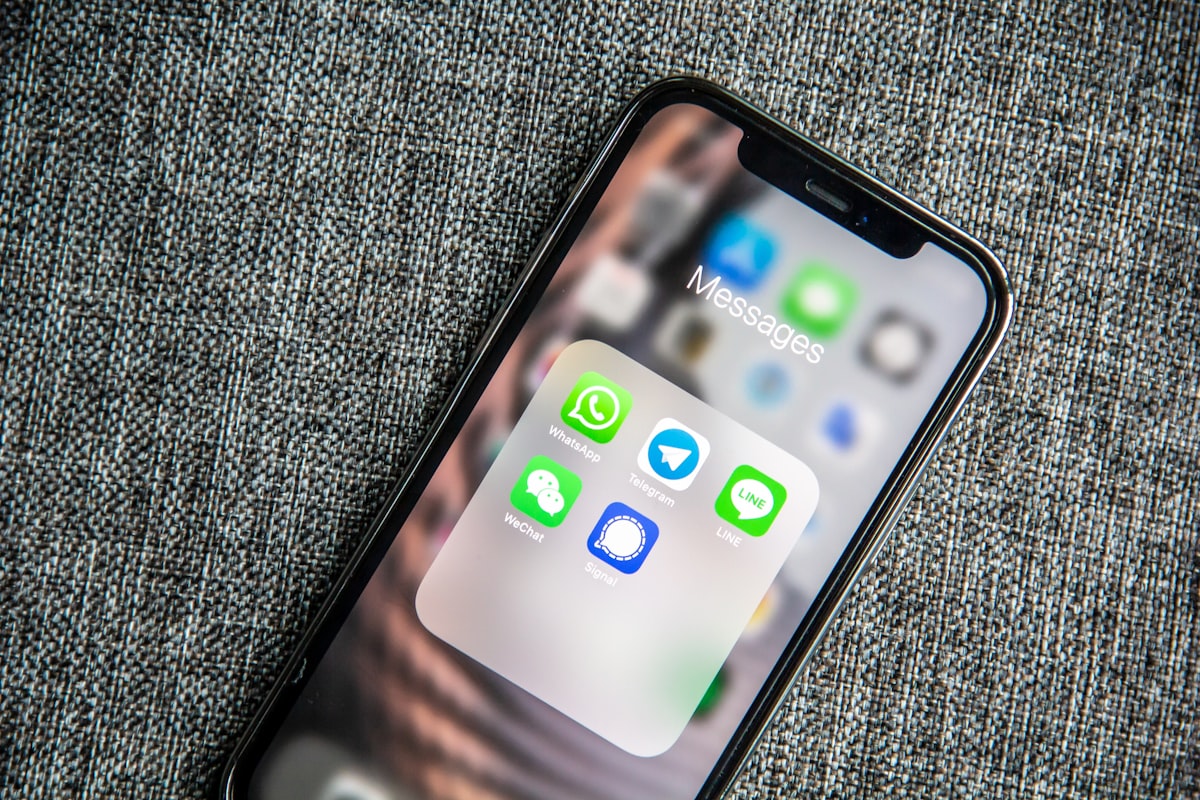
Operators who want OpenClaw inside personal WeChat must separate Tencent’s official ClawBot plugin from legacy third-party bridges. Since March 2026, Tencent ships @tencent-weixin/openclaw-weixin-cli on npm; pairing is QR-based after enabling ClawBot under WeChat Settings → Plugins. This runbook covers preflight gates, one-click vs manual install, a six-step procedure, risk matrix, field case study, and numeric SLOs. WeChat needs phone + gray rollout; the server side needs a 24/7 Gateway—sleeping laptops drop the channel, which is why a remote Mac acceptance host is the pragmatic production pattern.
1. ClawBot vs third-party bridges
ClawBot is an official WeChat plugin path for OpenClaw, authenticated via @tencent-weixin/openclaw-weixin, not a scraped Web protocol. It targets DM workflows, distinct from WeCom (enterprise) bots documented elsewhere. Unofficial bridges may work briefly but carry account and ToS risk. Production should standardize on the Tencent channel and host Gateway on hardware that stays online—local always-on Mac or a remote Mac under launchd.
2. Preflight acceptance (four gates)
Gate A: openclaw --version ideally ≥ 2026.3.22 plus openclaw doctor. Gate B: Node.js 22+ and correct global npm PATH. Gate C: WeChat client ≥ 8.0.70, verified account recommended. Gate D: ClawBot visible under Plugins—if missing, you are outside gray rollout; do not substitute unofficial tools. Gate E: openclaw gateway status healthy and /health under 2s before scanning QR.
3. Decision matrix
| Scenario | Path | Note |
|---|---|---|
| First-time lab bind | npx @tencent-weixin/openclaw-weixin-cli install | Fastest QR flow |
| Audited production | Manual plugins install + config | Change-ticket friendly |
| npm timeout | Mirror registry, retry | Do not scan before plugin enabled |
| Post-upgrade silence | Verify plugins.entries.openclaw-weixin.enabled | Plugin keys moved in 2026.3.22+ |
| Laptop sleep drops DM | Re-bind on remote Mac Gateway | Binding is endpoint-specific |
4. Six-step runbook
Step 1 Enable ClawBot in WeChat
Update WeChat → Settings → Plugins → enable ClawBot. Document version if entry is absent (gray hold).
Step 2 Prove Gateway is up
openclaw gateway status and curl -m 3 http://127.0.0.1:18789/health on the bind host (SSH for remote Mac).
Step 3 Install channel
Step 4 Scan QR promptly
QR expires quickly; rerun Step 3 if stale. Do not reuse hour-old screenshots.
Step 5 Validate send/receive
DM test contact; parallel openclaw channels status --probe and logs. If receive works but send fails, check model API keys before blaming WeChat.
Step 6 Remote 30-minute soak
Repeat on a remote Mac golden host; all probes green for 30 minutes before moving a production WeChat account.
5. Pitfalls matrix
| Area | Risk | Mitigation |
|---|---|---|
| Scope | DM-first; group features limited | Do not map support groups here |
| Account | Primary WeChat + powerful Agent tools | Dedicated secondary account; restrict exec |
| Compliance | Traffic transits WeChat infrastructure | Avoid high-risk auto-reply templates |
| Upgrades | Plugin load order changes | doctor + probe before/after |
| Uptime | Offline Gateway = silent WeChat | launchd on remote Mac, not sleeping laptop |
6. Layered troubleshooting
No ClawBot in plugin list: gray rollout wait. No contact after scan: Gateway not restarted or plugin disabled. Inbound only: check enabled flag and port 18789 firewall. npx failures: mirror registry. Post-upgrade breakage: openclaw doctor --fix then gateway restart --force --wait—avoid wiping ~/.openclaw without backup.
7. Case study: QR success, commute silence
A developer bound ClawBot on a MacBook at home; Gateway slept when the lid closed; WeChat DMs stopped until a remote Mac mini with launchd was re-scanned.
The team initially blamed Tencent APIs. Logs showed the websocket channel dying with local sleep. Re-binding on a 24/7 remote Mac restored SLA. Lesson: ClawBot binds to the Gateway endpoint that was online during scan—host changes require re-pairing and an ops runbook entry.
8. Industry insight
IM vendors now ship native Agent channels, shifting operational burden to self-hosted Gateways. WeChat’s reach is massive, but SLOs depend on observability and rollback on the server side. Windows/Linux VPS can run OpenClaw, yet many teams keep macOS golden hosts for ClawHub skills and media tooling. Apple Silicon remote Mac nodes are a common place to run the 30-minute probe window before production WeChat traffic. MACGPU remote Mac rentals provide isolated disks, snapshot rollback, and log replay—without replacing your compliance ownership of WeChat accounts.
9. Reference thresholds
WeChat < 8.0.70: upgrade first. OpenClaw < 2026.3.22: upgrade + doctor. Probes still red 5 minutes after scan: do not go live. Three DM turns with context retained before enabling file-writing Skills. Gateway changes require 30 minutes green probes on remote host.
10. FAQ
ClawBot vs WeCom? Different channel and credentials. Mac required? No for OpenClaw itself; remote Mac is the recommended acceptance path here. Expired QR? Rerun install/login. Groups? Plan for DM unless product docs expand scope.