iOS 27 Upgrade
SIRI_AI_
DEVICE_
MATRIX.
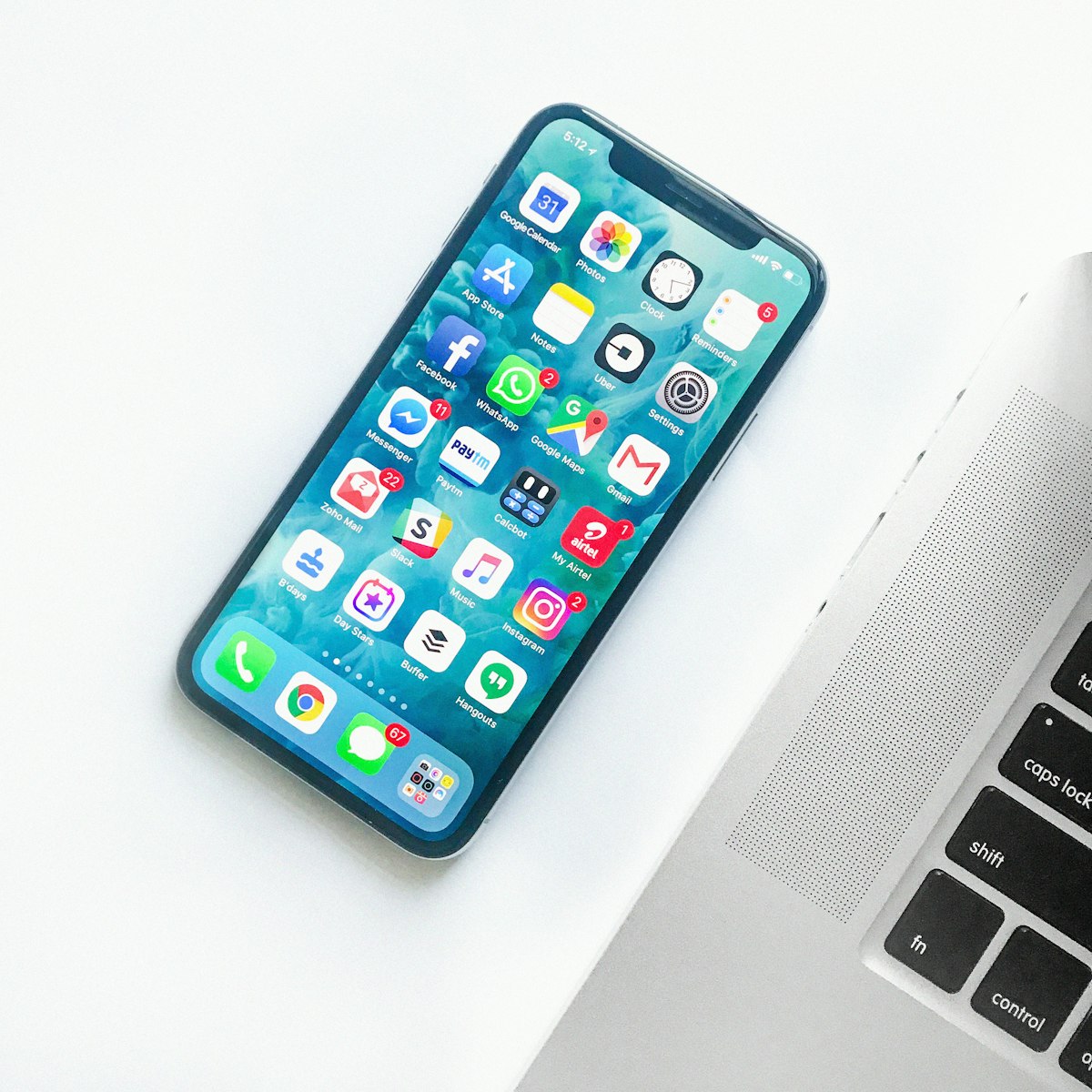
WWDC 2026 landed on June 8 with iOS 27 officially announced. If you are still asking whether to upgrade, whether your iPhone qualifies for Siri AI, or whether battery life will take a hit, this is the post-Keynote decision guide. The pain point is familiar: Liquid Glass transparency debates from iOS 26 have not faded, Siri finally ships as Siri AI after two years of delays, yet core AI features are strictly tiered—iPhone 11 can install the OS but cannot run the flagship intelligence stack. Based on Keynote announcements and early benchmark expectations, this article delivers a feature tier table, per-model upgrade matrix, battery impact breakdown, beta timeline, and two real user paths. Structure ahead: core changes, hardware gates, decision matrix, five-step rollout, deep case studies, Mac offload guidance.
1. Pain Points: What Changed After WWDC
1) Compatible does not mean capable: iOS 27 supports every device that ran iOS 26, starting at iPhone 11, but Siri AI requires iPhone 15 Pro or newer. Millions of owners face a system upgrade without the AI headline. 2) Battery anxiety is back: Apple claims Snow Leopard-style gains—30% faster app launches, 70% faster photo imports, 80% faster AirDrop—yet background AI processes plus aging cells may push iPhone 11/12 users 10–15% backward in daily endurance. 3) Beta window pressure: Developer Beta opened June 8; Public Beta lands in July. Early adopters need a clear checklist before flashing a daily driver. 4) Mac ecosystem gap: Siri AI conversation history syncs via iCloud to iPad and Mac, but on-device agent workflows—OpenClaw, MLX local inference—still depend on Apple Silicon Macs. Upgrade the phone without upgrading Mac compute and the experience stays fragmented.
2. iOS 27 Core Changes (WWDC 2026 Shipping Features)
2.1 Siri AI: The Largest Siri Rebuild in 15 Years
Standalone Siri app: Full conversation UI with history, image upload, and multi-turn context; private iCloud sync across iPhone, iPad, and Mac.
Dynamic Island persistence: Pull down from the island or invoke via side button / Hey Siri for ChatGPT-class interaction.
On-Screen Awareness: Reads current screen context and executes multi-step cross-app tasks—extract a flight from email and add it to Calendar, for example.
Visual Intelligence: Camera Siri mode for object recognition; Write with Siri adapts to your communication style.
Launch languages: English only at ship; EU and China unavailable at launch; the highest-tier on-device models are limited to iPhone 17 Pro, Pro Max, and Air.
2.2 Liquid Glass Fixes + Snow Leopard-Style Performance
Settings now includes a global transparency slider from fully transparent to fully opaque; icon refraction layers are clearer. Performance claims: app launches up to 30% faster, Photos imports 70% faster, AirDrop transfers 80% faster; a new CPU scheduler smooths task switching even on iPhone 11-class hardware. Apple positions iOS 27 as a performance release—less flash, more measurable throughput.
3. Support List vs Feature Tiers: Where Does Your iPhone Land?
| Feature Tier | Supported Models | What You Get |
|---|---|---|
| Full iOS 27 base OS | iPhone 11 and newer (incl. SE 2/3) | Performance tuning, Liquid Glass slider, Photos/Mail/Maps updates |
| Apple Intelligence (base) | iPhone 15 Pro / 15 Pro Max and newer | On-device writing tools, image utilities, standard Intelligence features |
| Siri AI (full conversational) | iPhone 15 Pro+ (16/17 full line) | Multi-turn dialogue, cross-app actions, screen awareness, standalone app |
| Top-tier local AI | iPhone 17 Pro / Pro Max / Air | Strongest on-device models, full Visual Intelligence and agent stack |
Not supported on iOS 27: iPhone XS, XS Max, XR, and earlier. Zero models dropped this cycle—the support list matches iOS 26 exactly, which Apple calls its broadest install base ever.
4. Per-Model Upgrade Decision Matrix
| Recommendation | Models | Core Rationale | Battery Outlook |
|---|---|---|---|
| Strongly recommend | iPhone 15 Pro/Max, 16 full line, 17 full line | Full Siri AI plus performance wins; battery flat or improved | Best |
| Recommend | iPhone 13/14 full line, 15 / 15 Plus | Clear performance uplift; no Siri AI but otherwise complete | Mostly flat |
| Cautious | iPhone 12 full line | Runs fine but no AI; aging battery may cost 10–15% runtime | Noticeable drop |
| Not recommended | iPhone 11 full line, SE 2 | Apple admits installable is not the same as usable; Face ID, camera, background tasks lag | Highest risk |
Reference numbers: Developer Beta opened 2026-06-08; Public Beta expected July 2026; stable release Fall 2026 alongside new iPhone hardware. Battery replacement pricing: roughly $99 in the US, ¥299–499 in China. iPhone 11 may still see 2–3 second app launch gaps post-upgrade. AirDrop throughput gains up to 80% per Apple benchmarks.
5. Post-Upgrade Battery Impact by Model
Per Bloomberg reporting, Apple engineers targeted battery life as an explicit iOS 27 goal—codebase cleanup plus the new CPU scheduler should reduce idle draw. Real-world impact still splits by hardware generation:
| Model | Expected Battery Impact | Action |
|---|---|---|
| iPhone 11 / 12 | Down 10–15% | Replace battery if health <80% before upgrading, or wait for stable-release community data |
| iPhone 13 | Slight dip | Generally acceptable; still viable 2+ years |
| iPhone 14 / 15 | Flat or slightly up | Benefits from code optimization; no meaningful daily regression |
| iPhone 15 Pro+ | May improve | Apple Intelligence tuned for newer silicon; largest gains here |
6. Five Steps: Should You Install Beta Now?
Step 1 — Check Model and Battery Health
Settings → General → About for model ID; Settings → Battery → Battery Health for percentage. iPhone 12 and older below 80% health: replace the cell first.
Step 2 — Map Against the Feature Tier Table
If your primary goal is Siri AI dialogue and cross-app automation, anything below iPhone 15 Pro will not unlock that stack on iOS 27. Evaluate a hardware swap or a Mac-side AI workflow instead.
Step 3 — Pick a Beta Channel
Developer Beta (from June 8): Settings → General → Software Update → Beta Updates; Apple now allows free Apple ID enrollment. Public Beta (July): register at beta.apple.com, same menu path. Stable release: Fall 2026—the default choice for single-device users.
Step 4 — Backup and Isolation Strategy
Full iCloud or local backup before any beta flash. Do not beta your only daily phone on day one. One-iPhone households should wait for Public Beta revision 2 or the stable build.
Step 5 — Tune Liquid Glass and Benchmark Performance
After upgrade, set the transparency slider to a comfortable level. Launch five daily apps and run an AirDrop transfer; compare against your iOS 26 baseline.
7. Deep Case Studies: Two Upgrade Paths
Path A — iPhone 12 Pro owner (76% battery health):
After three days on iOS 27 Developer Beta, daily endurance dropped from all-day to needing a charge by 4 PM. Siri remained the legacy overlay—no Siri AI. Resolution: ¥399 battery swap plus rollback to iOS 26.5 stable, re-evaluate after the September release.Takeaway: on aging Pro hardware, stability plus a fresh cell beats chasing the beta badge.
Path B — iPhone 15 Pro Max owner:
First week with full Siri AI: a single sentence moved flight details from Mail to Calendar; Dynamic Island handled multi-turn follow-ups smoothly. OpenClaw agents were pointed at a remote M4 Mac node for 24/7 automation—iPhone as entry point, Mac as compute. Monthly remote Mac rental ran about 15% of an M4 Pro purchase, enough to validate agent workflows before committing to new hardware.
Both paths show the same pattern: iOS 27 value is tightly bound to hardware generation. iPhone 15 Pro and newer get system plus AI; older phones mostly absorb additional OS overhead. If your workload is agent automation, local LLM inference, or complex cross-app orchestration, a phone upgrade alone will not close the gap—Mac (Apple Silicon, 16GB+ unified memory minimum) remains the primary platform for OpenClaw, MLX, and Cursor agents.
8. When iPhone AI Is Not Enough: Mac and Remote Compute Offload
Siri AI is impressive on-device, but unified memory and thermal limits still block 70B-class local inference or ComfyUI batch rendering. For developers and creators, iOS 27 works best as a mobile entry point and notification hub; heavy compute belongs on Mac. Intel Macs and 8GB M1 units hit the same ceiling under macOS 27 / Apple Intelligence—mirroring the iPhone 11 experience on the desktop side.
If iOS 27's Siri AI tiers made the phone-side ceiling obvious—and your Mac is thermally or memory constrained—renting a MACGPU remote Mac node is a low-friction validation path: weekly or monthly M4 Pro/Max access dedicated to OpenClaw Gateway, MLX inference, and beta experiments while keeping daily iPhone and Mac on stable builds. Rent compute to prove the workflow before letting a WWDC keynote drive a hardware impulse buy.