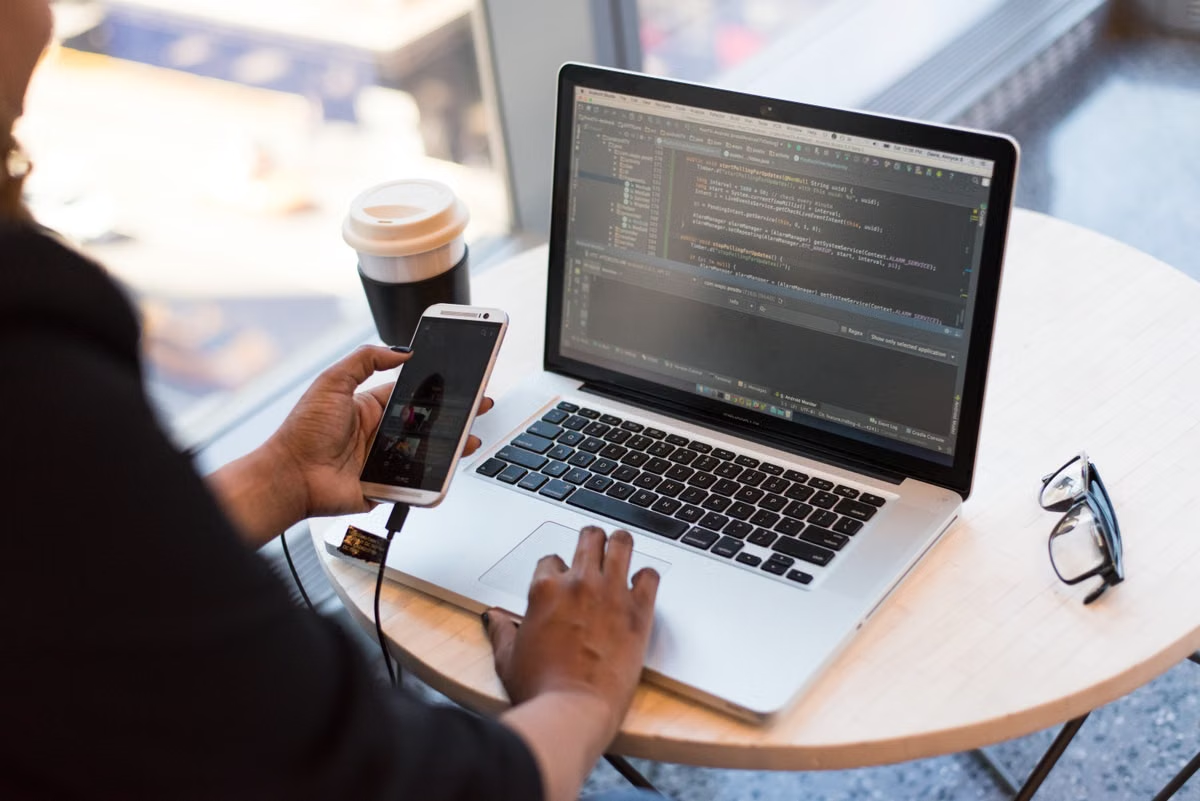
The Nightmare of the Traveling Developer: Hardware Chains and Environment Fragility
Imagine you are in a seaside café in Lisbon or a coworking space in Chiang Mai. Suddenly, your MacBook Pro suffers a liquid spill, or worse, is stolen from your backpack. For a digital nomad, this isn't just a hardware loss—it is a total production halt. In 2026, relying solely on a single physical machine is the greatest single point of failure for any remote professional.
Beyond physical risks, the "environment drift" is equally painful. Navigating different time zones, fluctuating internet quality, and the struggle of syncing multi-gigabyte Docker images or Node modules across devices can eat up hours of billable time. The core problem is Hardware Dependency: your productivity is physically tethered to a 2kg slab of aluminum.
Pain Points of Traditional Local Development for Nomads
- The "Single Device" Vulnerability: If your MacBook dies in a country without an Apple Store, your project timeline is effectively dead for weeks.
- Thermal Limiting and Portability: Thin laptops struggle with heavy compilation (Xcode/Android Studio) in tropical climates, leading to thermal throttling and reduced lifespan.
- Security Risks at Borders: Crossing international borders with sensitive client data on a physical drive poses privacy and legal risks that many nomad developers ignore until it's too late.
- Inconsistent Computing Power: You might need 64GB of RAM for a week-long AI project but don't want to carry that expensive, heavy hardware for the rest of the year.
Decision Matrix: Local MacBook vs. Cloud Mac Workstation
| Feature | Local MacBook Air/Pro | 2026 Remote Mac Rental |
|---|---|---|
| **Portability** | Heavy (Needs charger/cables) | Weightless (Access via iPad/Thin client) |
| **Data Safety** | High risk of theft/damage | Data Center grade security & redundancy |
| **Environment** | Must be re-synced manually | Persistent & always online 24/7 |
| **Upgradability** | Fixed at purchase | Scalable (Add RAM/GPU as needed) |
| **Emergency Recovery** | Days to weeks | < 5 minutes on any new device |
5 Steps to Set Up Your Global Remote Workspace
1. Provision Your Bare-Metal Instance
Select a high-performance Mac rental plan based on your current project needs. For 2026 standards, an M2 or M3 instance with 16GB+ RAM is recommended for seamless development. Ensure the provider grants full **Root Access**.2. Configure Low-Latency Remote Access
While VNC is standard, nomads should set up **SSH with Mosh** (Mobile Shell) for coding. Mosh handles roaming and intermittent connectivity much better than standard SSH, perfect for switching between Wi-Fi and 5G while moving.3. Initialize Your Persistent Toolchain
Log in and install your core stack. Since this environment stays "on" even when you disconnect, you can run long-term processes:/bin/bash -c "$(curl -fsSL https://raw.githubusercontent.com/Homebrew/install/HEAD/install.sh)"
brew install git nodes nvm docker4. Optimize GUI Performance for Public Wi-Fi
Use a remote desktop client that supports **H.264/H.265 compression**. In a café with high latency, reduce color depth to 16-bit. This ensures that even on a 5Mbps connection, the mouse movement remains fluid.5. Establish an Emergency Access Protocol
Store your access credentials in a secure, offline-capable password manager. Should your main device disappear, you can walk into any internet cafe, use a library computer, or buy a cheap tablet and get back to your macOS desktop instantly.Hard Data for the Mobile Professional
- Recovery Time Objective (RTO): Transitioning from a stolen laptop to a functional remote Mac environment takes an average of 4.8 minutes, compared to 3-5 days for local hardware replacement.
- Cost Efficiency: A high-end Mac Pro rental for a 3-month project costs roughly 65% less than the depreciation and upfront tax of purchasing the hardware outright for short-term use.
- Uptime Guarantee: Tier 3 data centers provide 99.9% power and net redundancy, far exceeding the reliability of hotel Wi-Fi or residential power grids.
Scaling Your Freedom Without Sacrificing Power
If you are still carrying a $3,000 MacBook Pro across borders, you are carrying a liability. While Linux cloud servers are common, they fail the needs of iOS developers, UI/UX designers using Sketch, or anyone requiring the specific ecosystem of macOS. Relying on "Hackintosh" or local virtualization is a recipe for instability and broken drivers at the worst possible moment.
The modern 2026 digital nomad workflow has shifted. Successful remote developers are moving their heavy lifting to the cloud. By choosing a professional Mac rental, you decouple your profession from your physical luggage. You gain the freedom to work from an iPad Mini on a beach while the heavy Xcode compilation happens in a secure, climate-controlled data center thousands of miles away. Don't let your hardware limit your itinerary—rent your Mac and travel light.